Addon Domain Checklist
Check folders, DNS, email and account limits before adding another website.


This addon domain checklist helps you prepare another website within an existing cPanel account when your plan supports it. Before creating one, decide where its files will live and which services its DNS must preserve. This checklist covers preparation; the separate setup guide walks through adding and removing the domain.
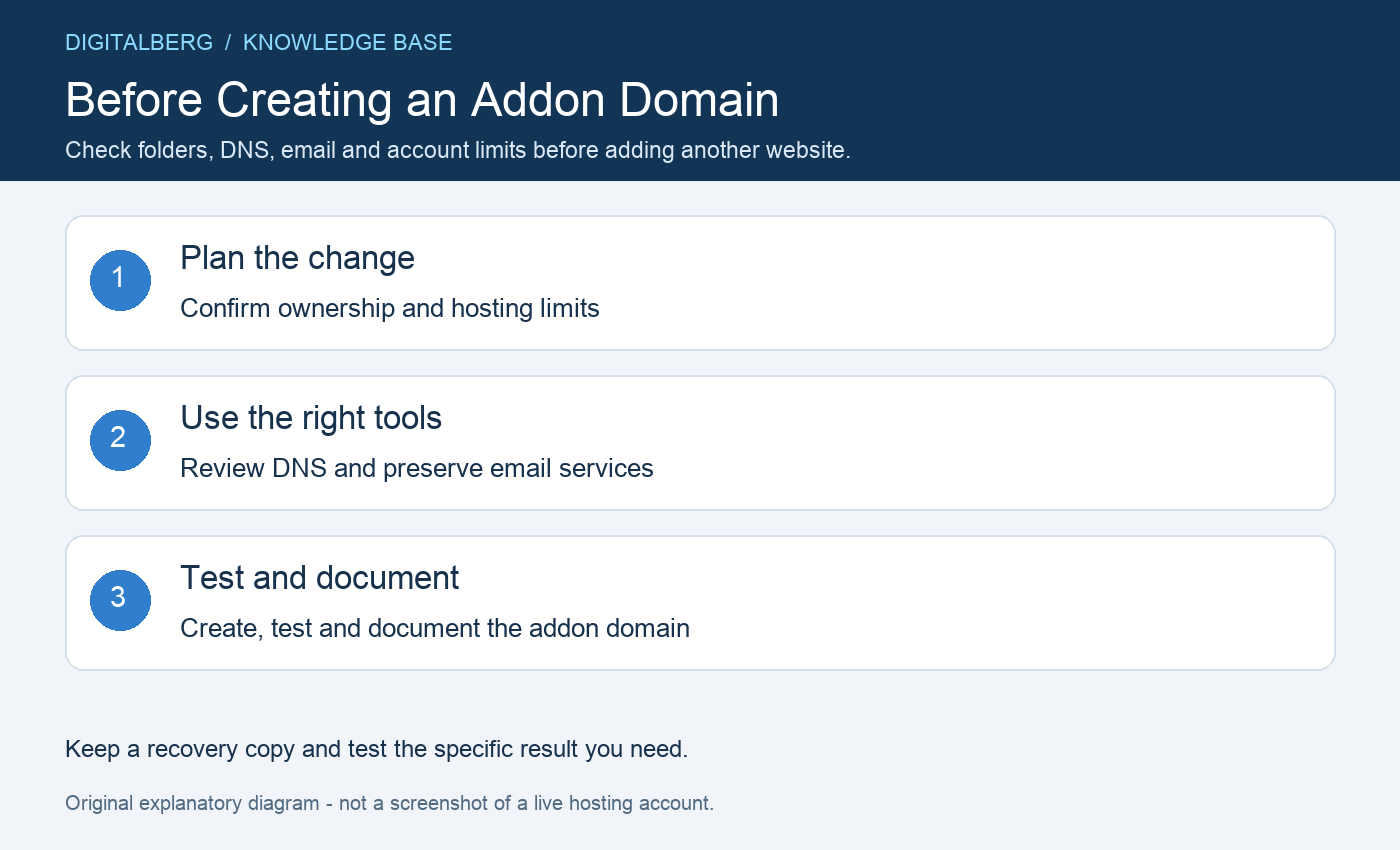
Make sure the domain is registered to you or your organisation and that you can manage its DNS. Adding it to cPanel does not register, renew or transfer ownership of the name.
Check the plan’s domain allowance, storage and resource limits. Several sites under one account can compete for the same available resources. Ask DigitalBerg whether a separate account is more suitable for a busy or independently managed site.
Use an addon domain when the new name needs its own website files. Use an alias when another name should share the existing website, or a redirect when visitors should move to a preferred address.
A subdomain is a name below an existing domain, such as shop.example.com. These choices affect document roots and routing, so make the decision before uploading files or configuring an installer.
Choose a dedicated folder for the new site and record its full path. Avoid nesting unrelated websites inside each other’s application directories where the hosting configuration allows a separate location.
Folder placement affects inherited settings, backups and accidental exposure through another URL. Old subfolder or temporary-address examples are not guaranteed to work on every server and should not be treated as the public address of the new site.
Check where DNS is authoritative and list the records the domain already uses. If mail remains with another provider, preserve its MX and supporting authentication records before changing nameservers.
Point only the intended website records at the destination, or build the complete destination DNS zone before delegating to it. Our DNS guide explains the difference between a zone edit and a nameserver change.
An addon domain normally shares the account’s cPanel administration and security boundary. A separate folder is useful organisation, but it does not provide the same isolation as a separate hosting account.
Consider who can access backups, files and application credentials. For unrelated clients or different administrators, discuss account separation with DigitalBerg instead of sharing the main cPanel password.
Plan certificate coverage for the new domain and any required www hostname. DNS, certificate issuance and the application’s preferred URL must agree before you force HTTPS.
A migrated application may need updated database details or a supported URL replacement process. A new installation needs a dedicated database user where appropriate. Keep a backup before either operation.
Use the current Domains interface and choose an independent document root when creating a separate website. Available controls vary with the server and account features; refer to cPanel’s domain documentation.
Follow our addon domain setup guide for the detailed process. Test the website, email and HTTPS afterwards, then record the folder, DNS location and backup arrangements for future maintenance.
It can. Shared resources, account-level settings or a compromised application may affect other sites in the same account. Avoid assuming that separate domain names guarantee isolation.
Possibly, depending on your plan, DNS and routing. Adding a domain does not automatically migrate existing mailboxes. Review the alias explanation and migration checklist if you are deciding how to move an existing name.
For help with this addon domain checklist, contact DigitalBerg with the affected domain, the step you tried and a redacted error message. Never include passwords, private keys or complete configuration files containing secrets.




 How to change cPanel Password account