File Permissions and chmod
Understand ownership and change only the access your website needs.


File permissions control which local users and processes can read, modify or access files and directories. On a hosting server, the correct settings depend on ownership and how the web server and PHP run. Use a documented baseline for your environment rather than applying one number to everything.
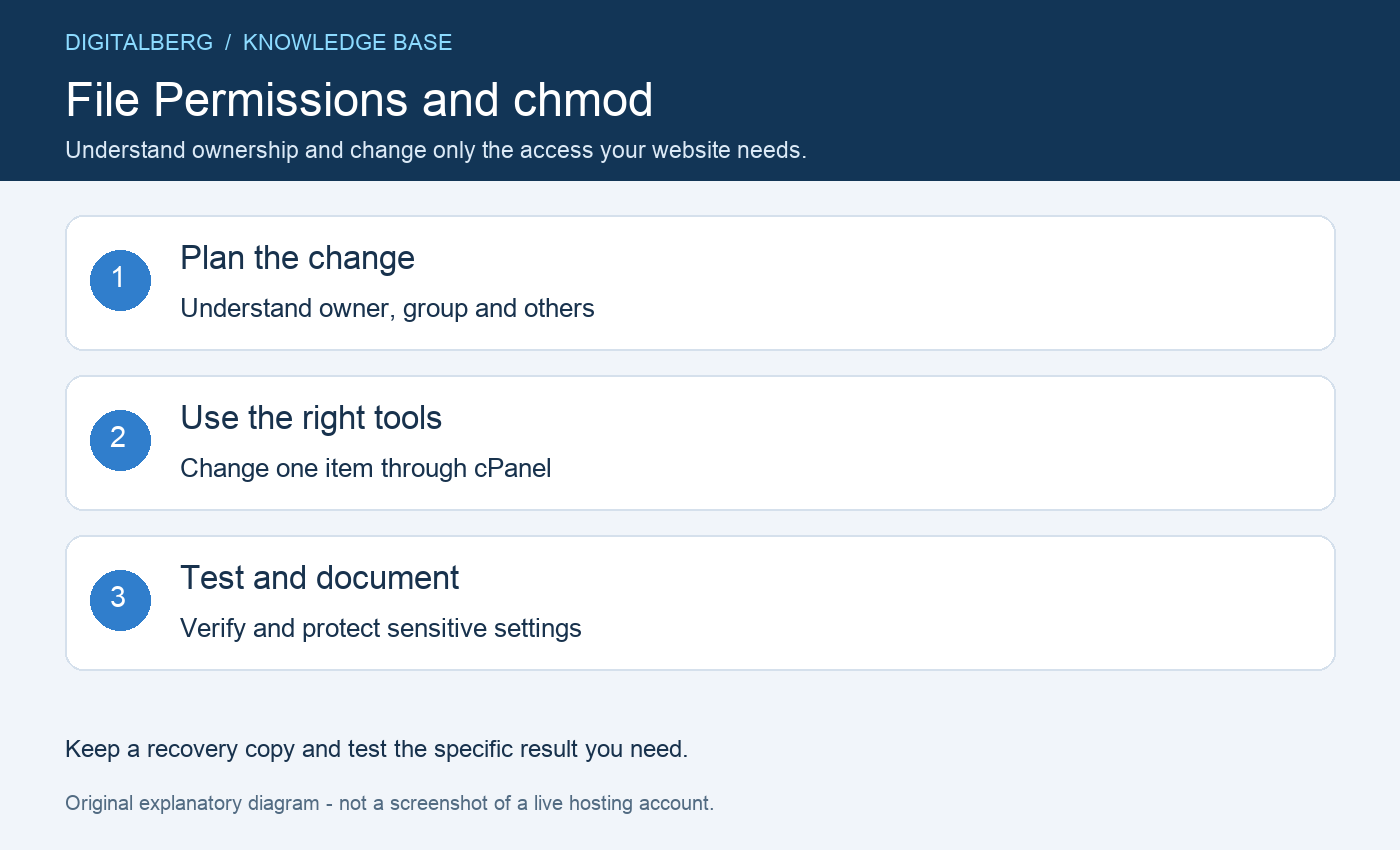
Linux permissions have three ordinary access classes: the owner, the owning group and other local users. Read, write and execute are represented by r, w and x, or by the numeric values 4, 2 and 1.
For a directory, execute means permission to traverse it, rather than to run it as a program. Browser visitors are served through server processes; they are not simply identical to the local others class.
Each digit adds the allowed actions for one class. A value of 6 combines read and write, while 5 combines read and execute. The order is owner, group and others.
| Mode | Symbolic form | Typical meaning |
|---|---|---|
| 644 | -rw-r–r– | Owner reads and writes; group and others read |
| 755 | drwxr-xr-x | Directory owner has full access; others can list and traverse |
| 600 | -rw——- | Owner-only file access where compatible |
| 777 | rwxrwxrwx | Every class has read, write and execute access |
These are examples, not universal requirements. Special mode bits and access-control lists can add further rules, so do not ignore an unfamiliar leading digit or trailing indicator.
Many WordPress environments use 644 for ordinary files and 755 for directories, but some sensitive files need tighter settings and some applications need controlled group access. Confirm what the provider recommends.
Inspect ownership before broad permission changes. If files belong to the wrong account, chmod may not solve the problem. Ask support to correct ownership instead of making the content writable by everyone.
Open Files → File Manager, navigate to the item and record its existing settings. Select the file or directory, use Permissions or Change Permissions, enter the intended mode and save.
Test the affected function immediately. Use the cPanel File Manager guide for your interface. Avoid selecting a whole application tree when you only need to correct one upload directory.
When SSH is available, inspect the exact target first. These examples demonstrate a single ordinary file and a single directory; replace the paths with verified locations:
ls -ld /home/ACCOUNT/public_html/example.txt
chmod 644 /home/ACCOUNT/public_html/example.txt
chmod 755 /home/ACCOUNT/public_html/example-directory
Do not add a recursive flag to these examples. A blanket recursive 755 change marks ordinary files executable, and a recursive 644 change removes directory traversal. Application-specific recovery needs a scoped plan.
A 403 error can involve permissions, ownership, access rules or server policy. An upload failure can also come from quota, temporary-directory problems or application limits. Read the relevant error before changing modes.
For WordPress, compare with its file permissions guidance. PHP scripts usually do not need the execute bit merely because they are served through PHP. CGI executables and other workloads may differ.
After changing file permissions, check the public page and the administrative task that failed. Confirm that configuration files and private backups are not exposed through the website.
Never use 777 as a routine fix. It grants excessive local access and can create serious risk in a compromised environment. Keep a recovery record and restore the original settings if your targeted change did not address the cause.
No. They are a common baseline for some hosting layouts. Private directories, group-managed applications and ACL-based systems may require a different scheme.
Often in an application configuration file or environment settings. See our configuration file locations guide, and keep copies outside public folders. Before substantial repairs, take a backup.
For help with file permissions, contact DigitalBerg with the affected domain, the step you tried and a redacted error message. Never include passwords, private keys or complete configuration files containing secrets.