
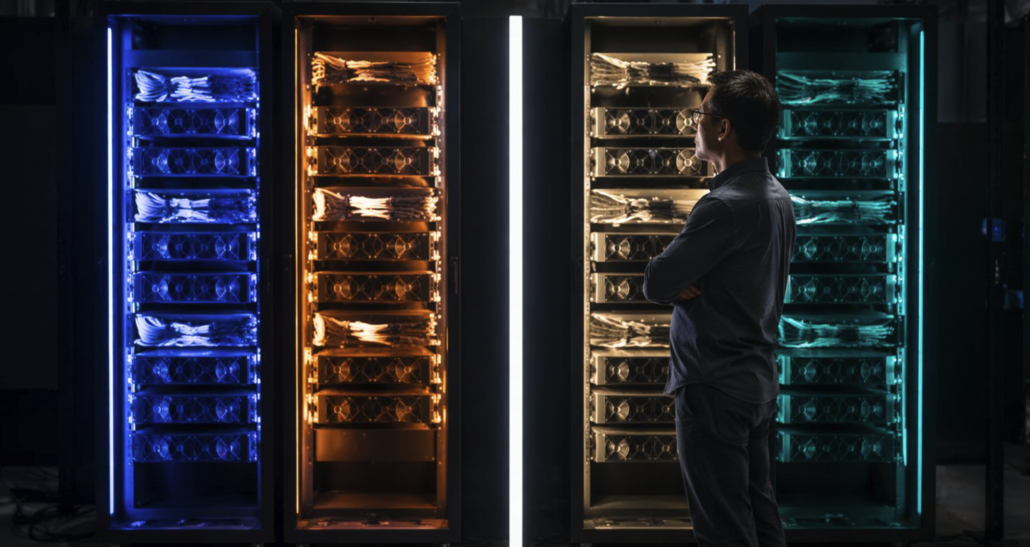
AI VPS vs GPU Dedicated Server: Which Is Best in 2026?
Artificial intelligence is changing how businesses choose hosting infrastructure. From customer-service chatbots and AI agents to private language models and automated document processing, organisations increasingly need servers that can support AI workloads.
Should you use an AI VPS or GPU dedicated server? The answer depends on model size, RAM and VRAM, inference latency, concurrent users, security requirements and budget. An AI VPS can be an economical starting point for smaller models and application backends. A GPU dedicated server is more appropriate for demanding accelerated inference and high-throughput workloads.
Why AI Hosting Matters in 2026
Businesses are deploying AI assistants, retrieval-augmented generation (RAG) systems and automated workflows. TrendForce forecasts AI server shipment growth exceeding 28% year-on-year in 2026. These systems need both general-purpose application infrastructure and specialised accelerators for demanding inference.
What Is an AI VPS?
An AI VPS is a virtual private server running AI applications, usually on a virtualised physical host using a hypervisor such as KVM. It provides allocated virtual CPUs, memory, storage and networking. It can host Python, Docker, Ollama, FastAPI, PostgreSQL and vector databases. An ordinary VPS does not automatically include a GPU.
Common uses include chatbot frontends, AI APIs, agent orchestration, RAG application components, automation, smaller quantised language models and development environments. A VPS can host the application and database while a separate GPU service handles inference. Explore DigitalBerg VPS hosting for virtual server options.
What Is a GPU Dedicated Server?
A GPU dedicated server is a physical machine equipped with one or more graphics processing units. GPUs accelerate highly parallel mathematical operations used in neural networks. Dedicated infrastructure gives you exclusive use of the physical server and greater control over the operating system, drivers, and runtime software.
GPU servers support large language model inference and training, computer vision, speech processing, video workloads, and scientific computing. Performance depends on accelerator architecture, GPU memory, memory bandwidth and inference software. Consult NVIDIA data-centre GPU information when evaluating hardware.
AI VPS vs GPU Dedicated Server: Comparison
| Feature | AI VPS | GPU Dedicated Server |
|---|---|---|
| Infrastructure | Virtual machine | Physical dedicated machine |
| GPU | Only if included in plan | Available on GPU-equipped configurations |
| Hardware control | Limited | Greater control |
| Smaller AI applications | Often suitable | Suitable |
| Large-model inference | Often constrained | Often better suited |
| Starting cost | Typically lower | Typically higher |
| Scaling | Often straightforward to resize | May require hardware changes |
| Typical role | App backends and development | Demanding AI computation |
CPU vs GPU for AI Inference
Inference is the process of using a trained model to produce a prediction or response. CPUs can run smaller models and handle APIs, operating-system processes and application logic. GPU inference can substantially accelerate compatible neural-network operations, particularly for larger models or concurrent requests.
Compare time to first token, tokens per second, request throughput, peak memory consumption and cost per completed request. Results depend on the model, quantisation, context length, batch size and software. Serving engines such as vLLM can improve GPU utilisation through batching and memory-management techniques.
How Much RAM or VRAM Does an LLM Need?
As a simplified estimate, model-weight memory ≈ parameter count × bytes per parameter. An eight-billion-parameter model stored at roughly four bits per parameter needs about 4 GB for weights alone. Real deployments also require quantisation metadata, KV cache, runtime buffers and system memory.
| Model parameters | Approximate 4-bit raw weight memory |
|---|---|
| 3 billion | 1.5 GB |
| 7 billion | 3.5 GB |
| 8 billion | 4 GB |
| 13 billion | 6.5 GB |
| 32 billion | 16 GB |
| 70 billion | 35 GB |
These figures are mathematical estimates, not complete minimum server specifications. Long contexts and many simultaneous users can substantially increase KV-cache memory. Benchmark the intended model and serving engine before selecting hardware.
How to Run Ollama on a VPS
For smaller compatible models, Ollama offers a convenient self-hosted inference workflow. Start with a compatible Ubuntu server and adequate RAM. Update packages:
sudo apt update
sudo apt upgrade
Review the official Ollama documentation and installation script before installing third-party software:
curl -fsSL https://ollama.com/install.sh | shDownload and run a model:
ollama pull llama3.2
ollama run llama3.2
Test the local API, where the Ollama service is running on its default endpoint:
curl http://127.0.0.1:11434/api/generate \
  -d '{"model":"llama3.2","prompt":"Explain VPS hosting.","stream":false}'
Keep model APIs on trusted interfaces, protect access with authentication and avoid exposing unauthenticated endpoints to the public internet. For related deployment instructions, see the DigitalBerg Ollama VPS guide.
When Should You Move from an AI VPS to a GPU Server?
Inference becomes too slow
Measure latency and token generation speed against real user requirements. CPU inference can be acceptable for internal tools but too slow for interactive public applications.
Concurrency increases
More simultaneous requests require more compute and memory. GPU servers with suitable inference engines can offer higher throughput for compatible models.
Models become larger
Some models cannot fit comfortably in an entry-level VPS. A dedicated GPU machine with sufficient VRAM may reduce memory pressure and improve response speed.
You need predictable capacity
Dedicated hardware can be attractive for consistently busy workloads. For intermittent inference, on-demand GPU instances may cost less.
Designing a Private AI Hosting Architecture
A production architecture can separate components: Users → HTTPS reverse proxy → application API → inference service → language model. Supporting services may include PostgreSQL, a vector database, Redis, monitoring and a private network.
| Component | Hosting option |
|---|---|
| Website and API | Cloud VPS |
| Database | VPS or dedicated server |
| Background workers | VPS |
| LLM inference | CPU or GPU server |
| Monitoring | Separate management environment |
For AI-agent application patterns, read the DigitalBerg LangGraph Python tutorial.
AI VPS vs GPU Dedicated Server: Cost
Total cost of ownership includes compute, storage, networking, licences, backups and administration. For AI workloads, cost per successful request or per million generated tokens can be more informative than server rental alone.
For illustration only, an instance costing £1.50 per hour and running continuously for 30 days costs £1.50 × 24 × 30 = £1,080. This is not a DigitalBerg quotation or a verified market rate. Compare real quotations against expected utilisation, performance and operational costs.
Security and Data Protection
Restrict administrative access, use SSH keys, encrypt traffic, implement API authentication and rate limits, monitor server activity and maintain tested backups. Self-hosting a model does not automatically guarantee confidentiality or compliance. UK organisations processing personal data should review ICO data-protection guidance.
UK and European AI Hosting Considerations
Server location can affect latency and data-handling arrangements, but network peering, bandwidth, and architecture also matter. Verify physical location and contractual terms for the actual service. Learn more on DigitalBerg’s data-centre information page.
Which Hosting Option Should You Choose?
| Application | Option to evaluate |
|---|---|
| AI chatbot frontend | VPS |
| AI automation and orchestration | VPS |
| Small quantised LLM | CPU VPS or dedicated server |
| RAG backend | VPS or dedicated server |
| High-throughput LLM inference | GPU dedicated server |
| Private enterprise AI | Dedicated or hybrid infrastructure |
Start with measured application requirements and scale as usage grows. For application backends and compatible CPU workloads, consider DigitalBerg VPS Hosting. For physical infrastructure and greater hardware control, explore DigitalBerg Dedicated Servers and Enterprise Dedicated Servers. Confirm GPU models, availability and configuration before ordering.
Frequently Asked Questions
Can I run AI on a VPS?
Yes. VPS infrastructure can host AI APIs, automation tools and smaller compatible language models. Performance depends on CPU, RAM and workload.
Do I need a GPU for Ollama?
No. Ollama can run supported models on CPU-based systems, though a compatible GPU can improve inference speed.
Is a GPU dedicated server better than a VPS?
For demanding GPU-accelerated inference, often yes. For smaller applications and supporting services, a VPS may be more economical.
How much RAM does AI hosting require?
It depends on model size, quantisation, context length, runtime overhead and concurrent requests. Test the actual deployment.
Can I host a private LLM on a dedicated server?
Yes, provided the machine meets the model’s CPU, RAM, GPU and storage requirements.
Is bare metal cheaper than cloud GPU hosting?
It can be for stable, high-utilisation workloads. On-demand GPU services can be preferable for intermittent usage.
Can Proxmox support AI infrastructure?
Yes. Proxmox can manage virtual machines and containers used in AI systems. GPU passthrough requires compatible hardware and configuration.
Final Thoughts
AI VPS hosting provides a flexible foundation for application development, APIs and smaller AI workloads. GPU dedicated servers provide specialised resources for demanding inference and accelerated computing. In 2026, the best choice depends on measured performance, model memory, concurrency, security and total cost. Explore DigitalBerg Dedicated Server Hosting to evaluate dedicated infrastructure options.









Leave a Reply
Want to join the discussion?Feel free to contribute!